Reflection #4
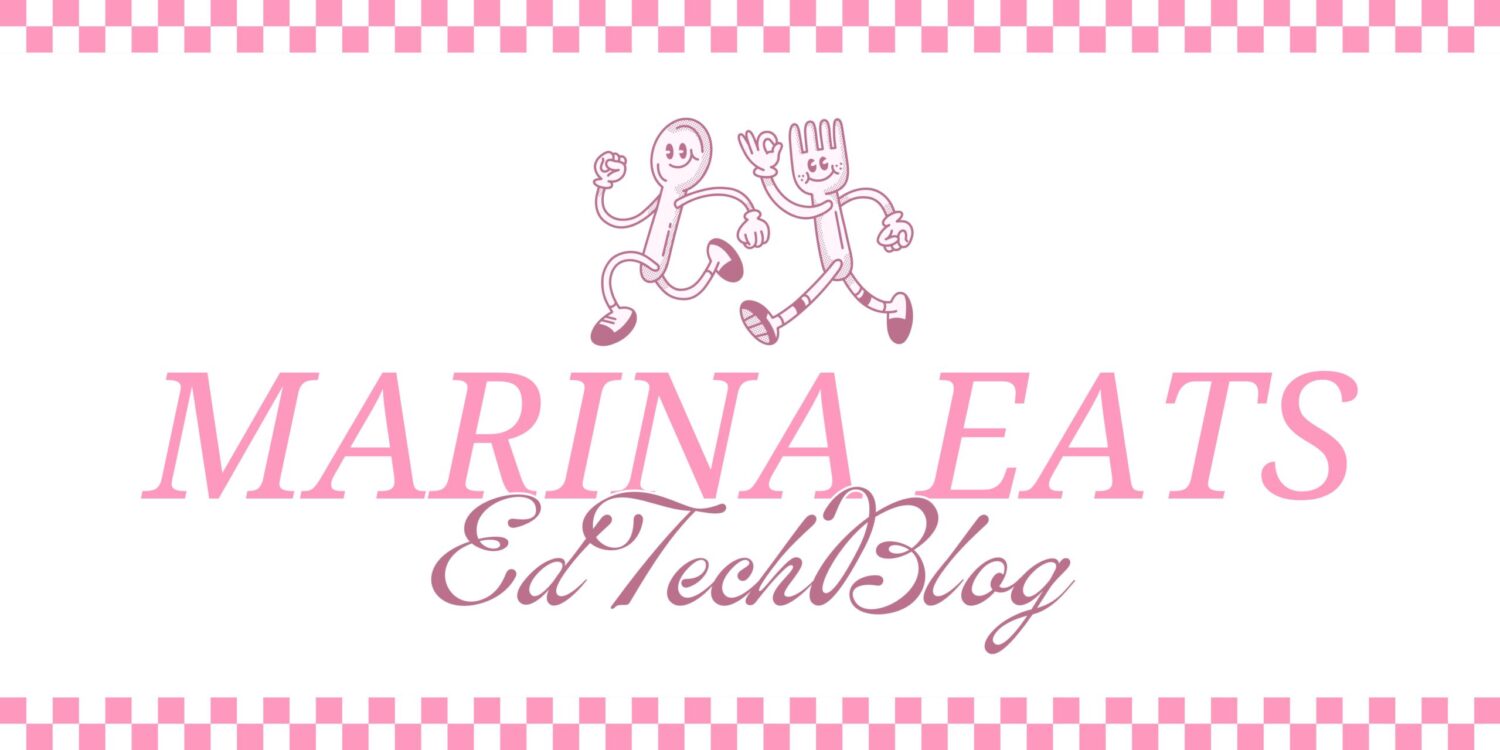
This week, we made banners for our blogs. I tried to use Microsoft designer to generate an AI image for mine, but I didn’t like how they looked, and I’m also not an AI art fan, because of the unliscensed use of artists work to train the AI models. Moreover, they often have a strange or uncanny appearance that I don’t enjoy. I used Canva to create a banner for my side heading as well as headings for my different posts to show which post is which. While I did not explicitly use AI for my banner design, and instead used a template from Canva, it is true that there is a chance that the images (the fork and spoon) in my design may be AI generated, as Canva does not specify which of their “elements” are AI generated and many of them are. For the post headers, I did not use a template and just created them using different elements and tools on Canva. Something I love about creating graphics on Canva is that you have complete creative control over the design, and you can make it fit with any vibe. For mine, I wanted to create a cartoonish, retro look, as I think the whimsical aesthetic fits the colourful and lighthearted nature of my blog.
I really like the font you chose! It’s unique and gives your post a fun, relaxed, and cool vibe. I agree that Microsoft Designer isn’t the best tool for creating a banner. I found that the AI had too much control over the final design.